
Arcadia Science Microorganism Series
How to connect scientists with microorganism genetic tools using the minutiae of animation
Arcadia Science needed a way to communicate the benefits and speed of biological tools to researchers. To solve this, we created a cohesive 3-video series that visually highlights microorganisms and the cutting-edge research tools used to study them.
And we did it in a way that anyone could understand!
Let’s zoom in on how this project breaks down.
Credits:
Script/Producing: Greg Wright
Animation/Creative Directing: Mitch Centers
Illustration: Audrey Bell, and UNIQ Designs
Voice Artist: Jason Kappus
The Process
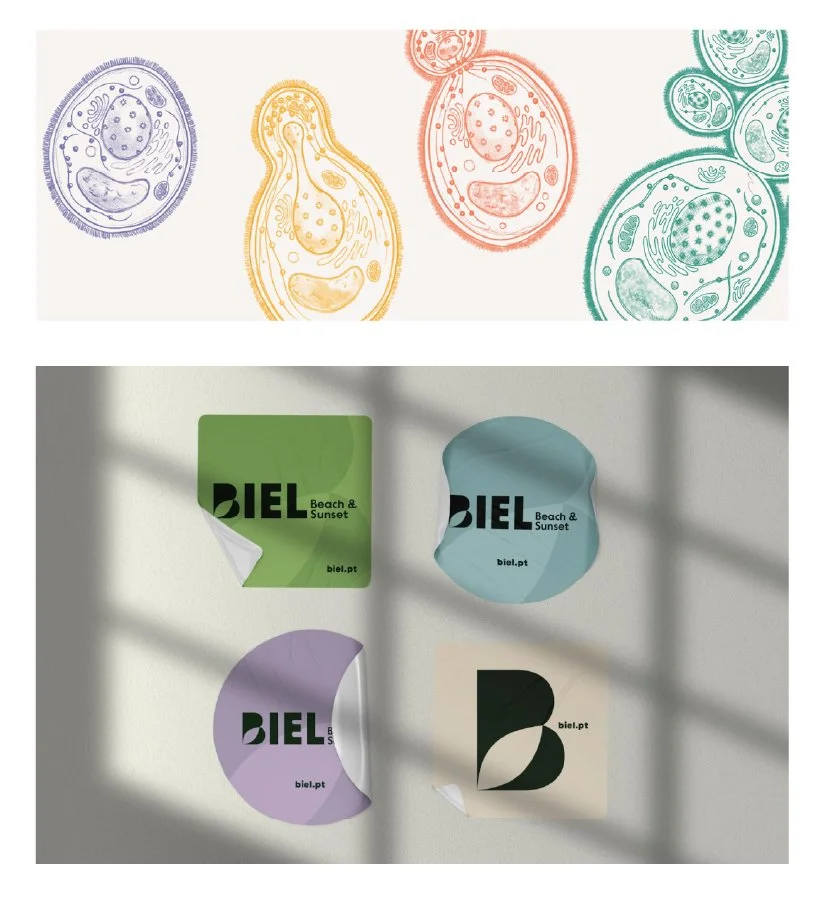
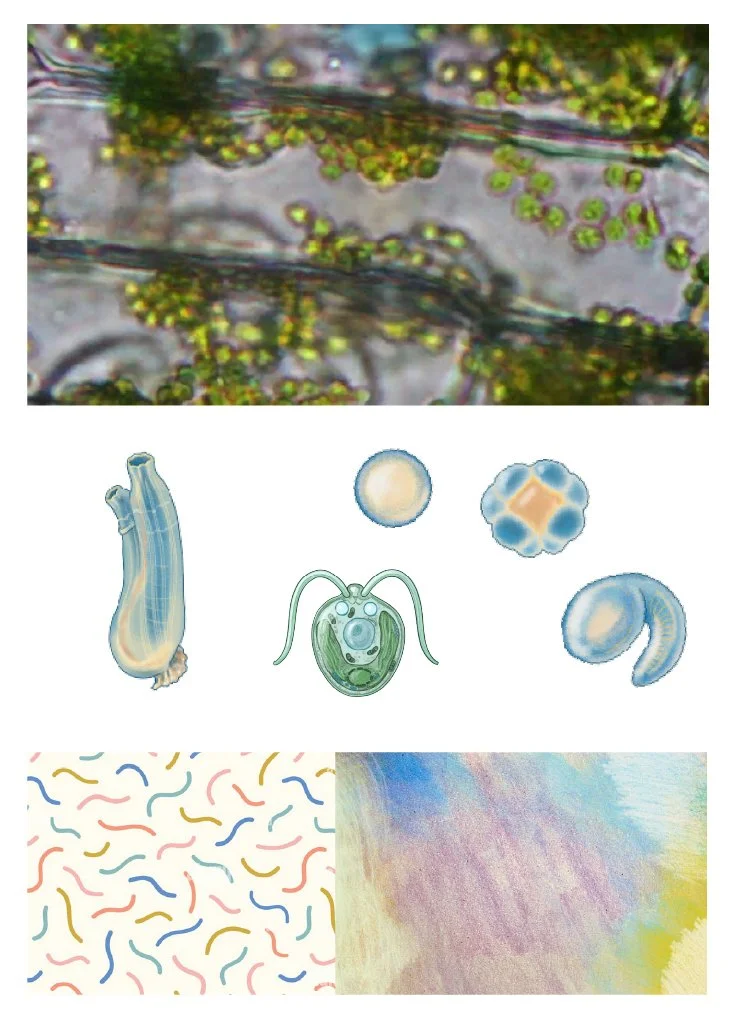
Research / Pre-production planning
Using Arcadia’s scripts, we kicked off pre-production under a tight timeline. We pitched two visual styles and landed on a sketch-inspired look that reflects the microscopic motion of organisms.
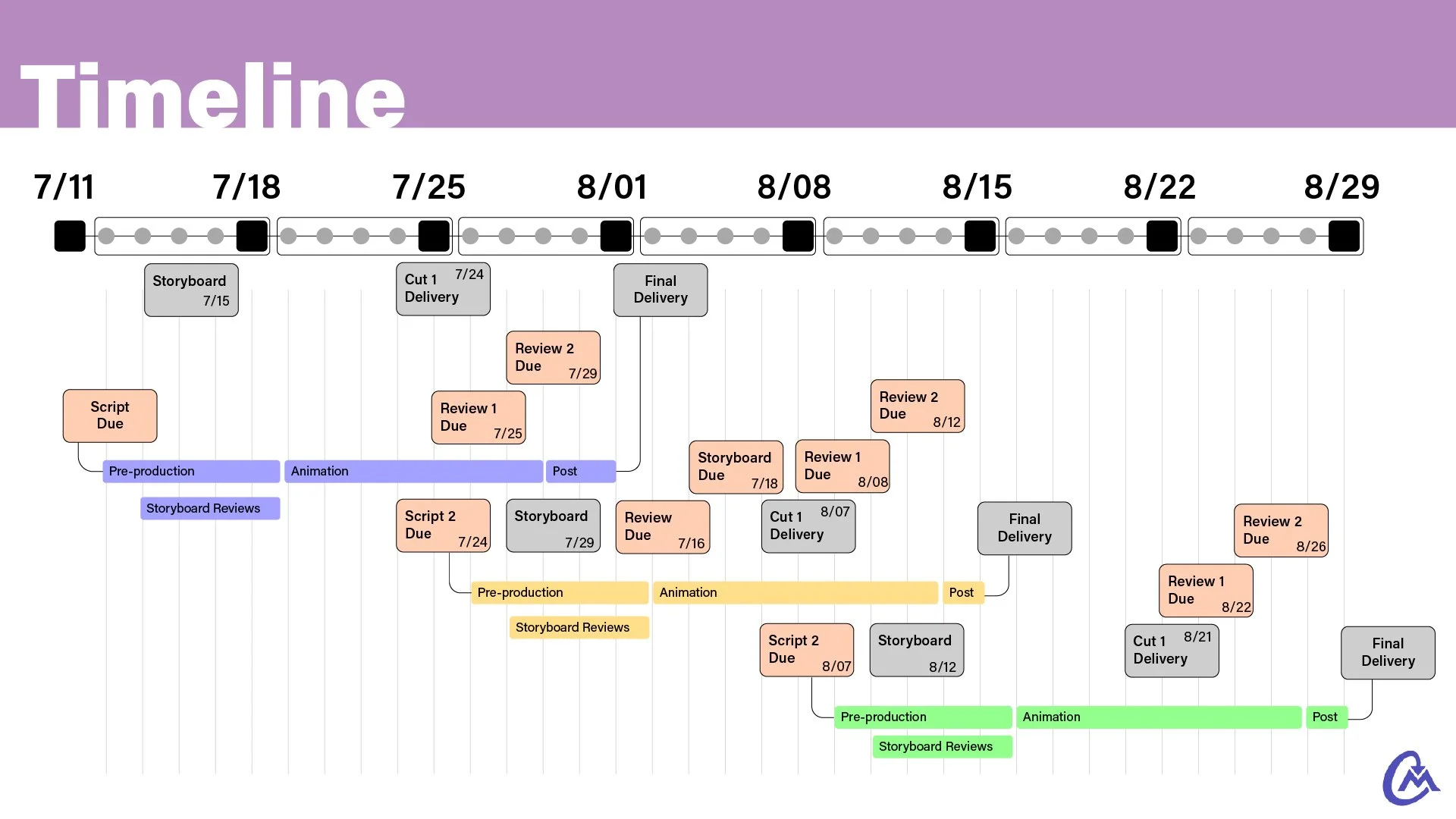
At this phase, it was also important we set deadline expectations. For 3 simultaneous productions, we had to coordinate a dance of reviews and approvals to maximize work time.
While one video was in review at Arcadia, work was still progressing on another.
Below is a sample calendar I created to keep us on track.
Everyone understood that missing one due date would affect another, delaying progress.
Storyboard the critters
I’ll be the first to admit. I don’t have a microbiology degree.
Getting the visuals right for this series is the base goal for any science based explainer. As a collaborative effort, I’ll defer to the expertise of those familiar with the subject.
Storyboarding is an invaluable tool for communicating with each other what the final visuals will emulate.
Below is an example of how we iterated on the phylogenetic tree.
The takeaway for the client is to settle on the visuals and voice over as much as possible here. This saves hours of work if changes happen after animating.
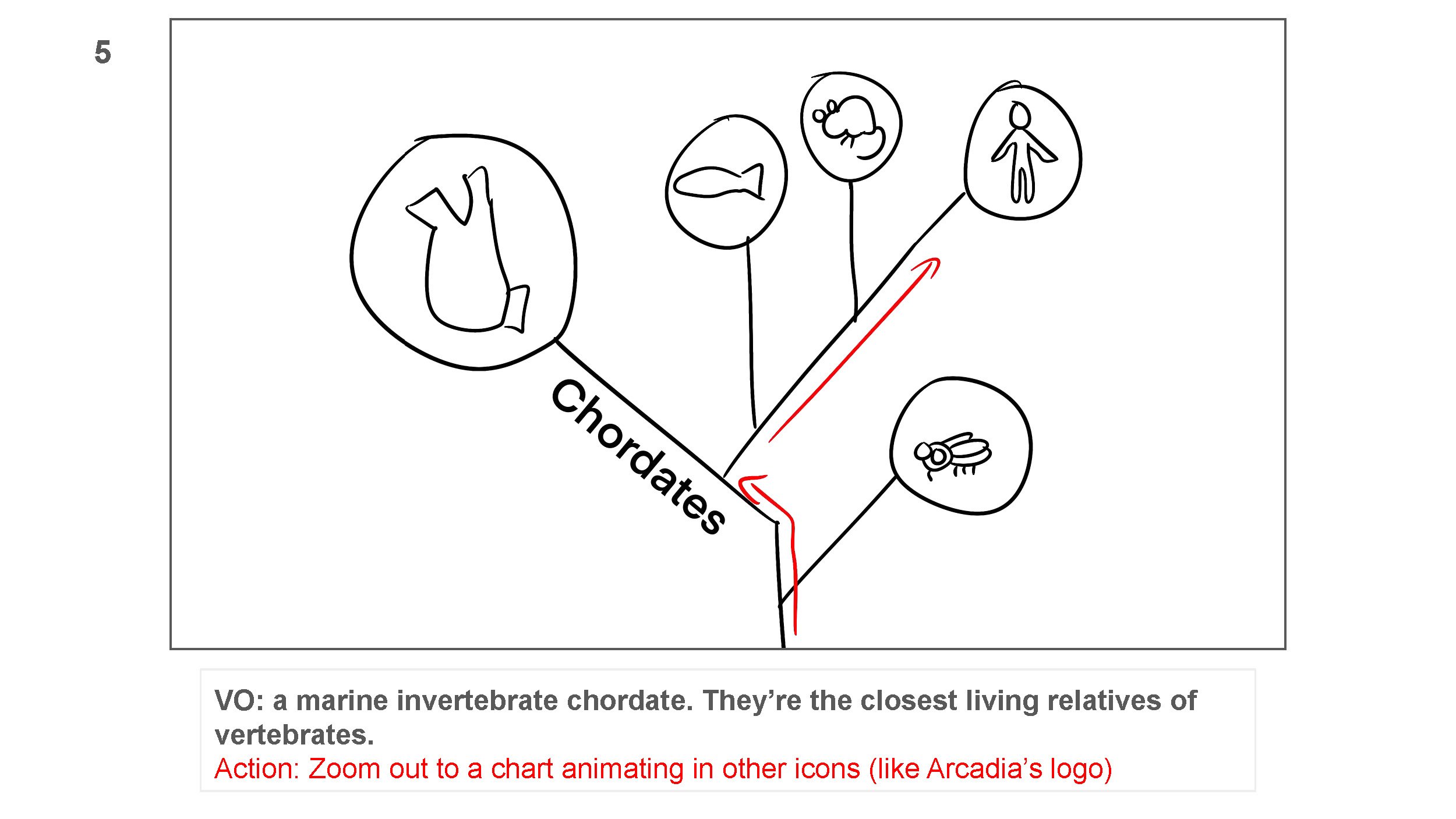
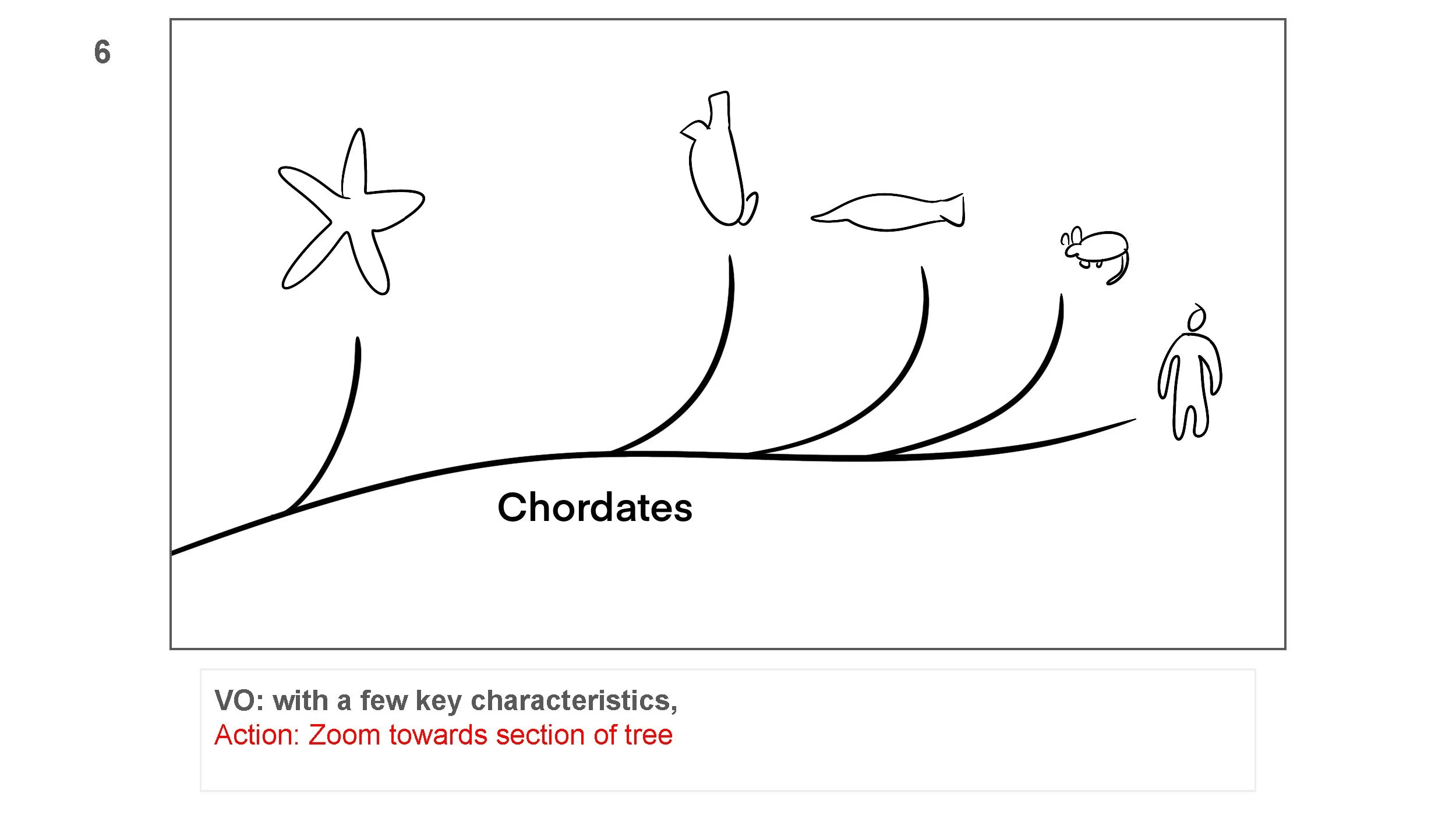
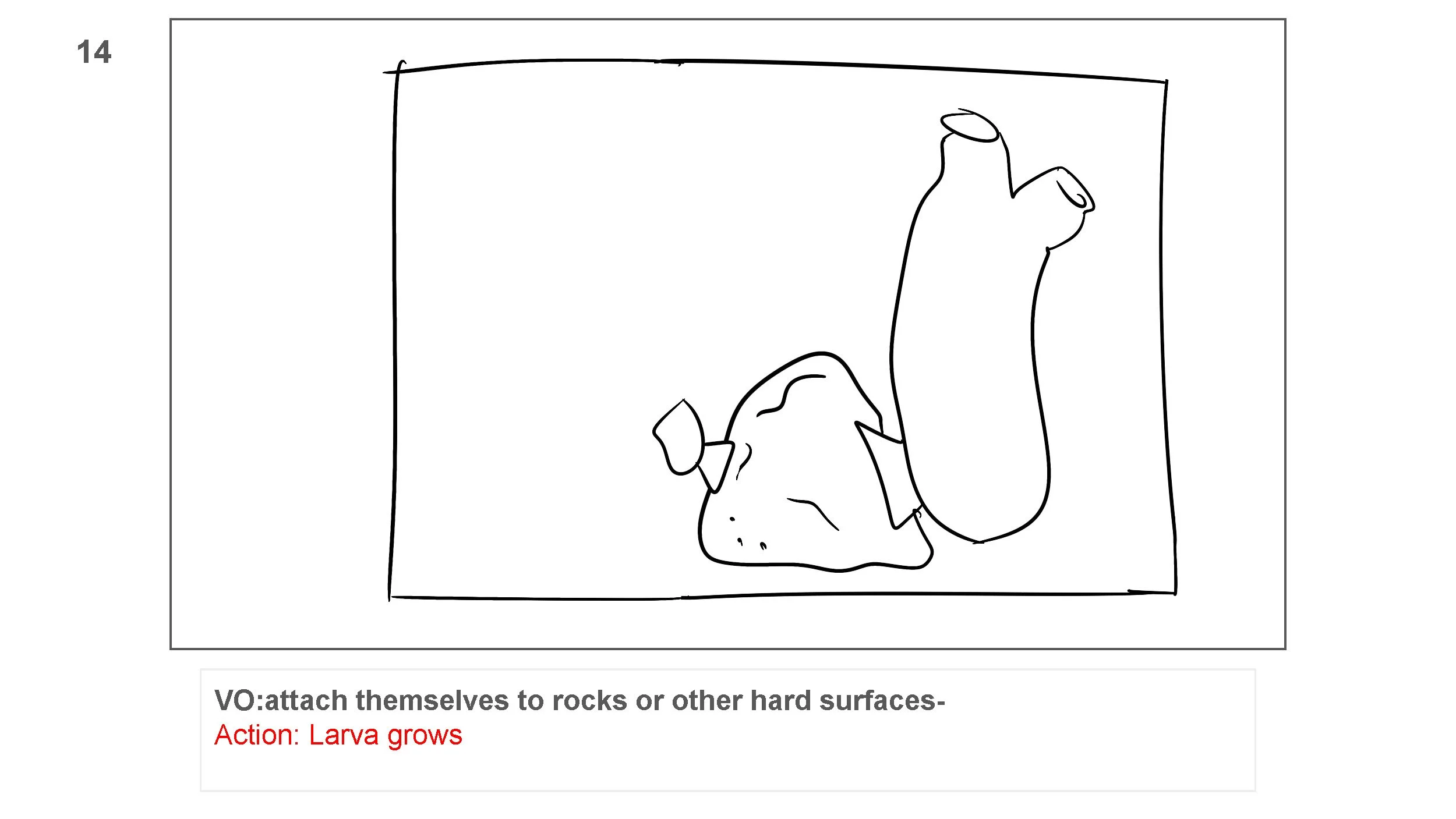
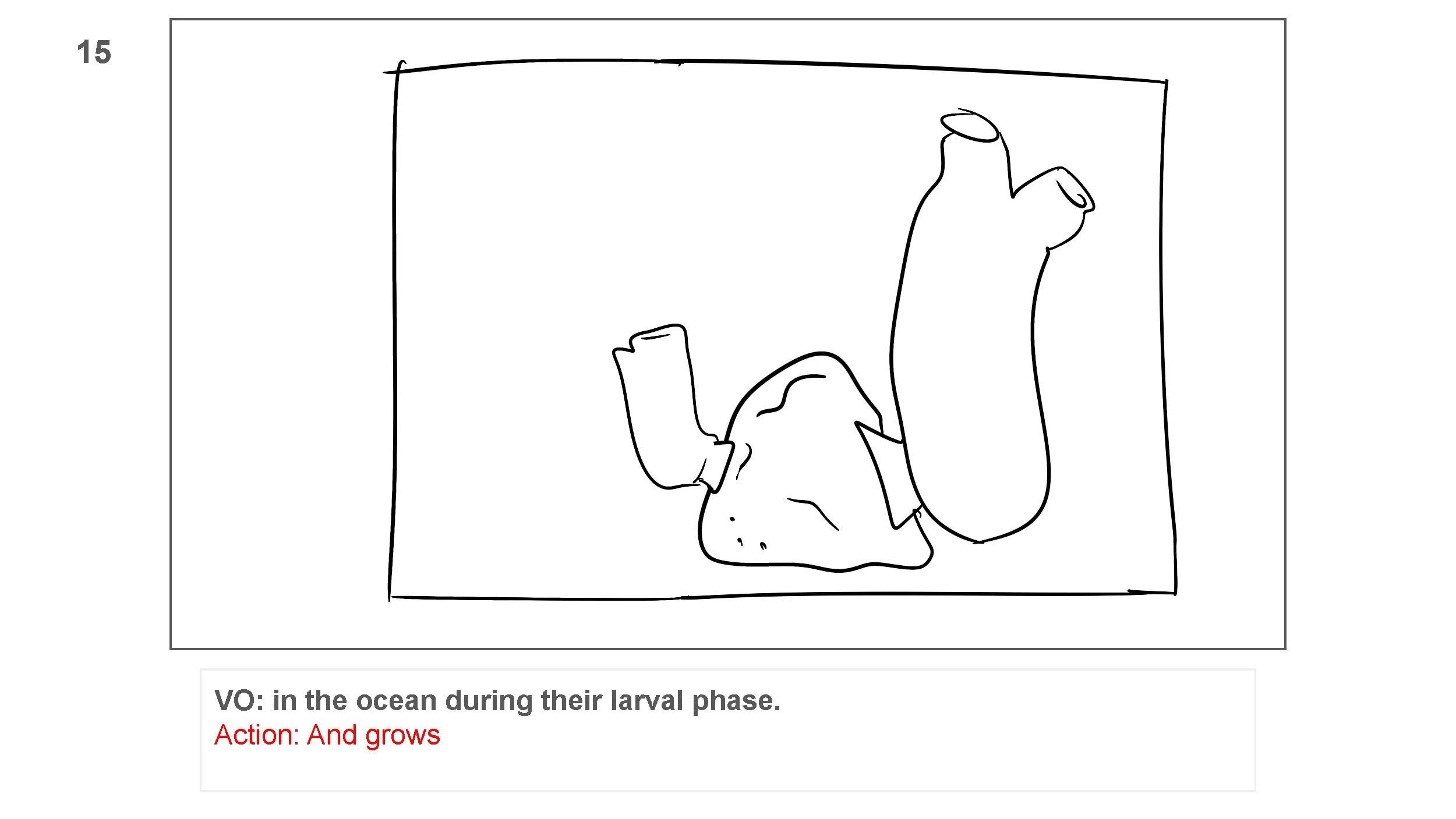
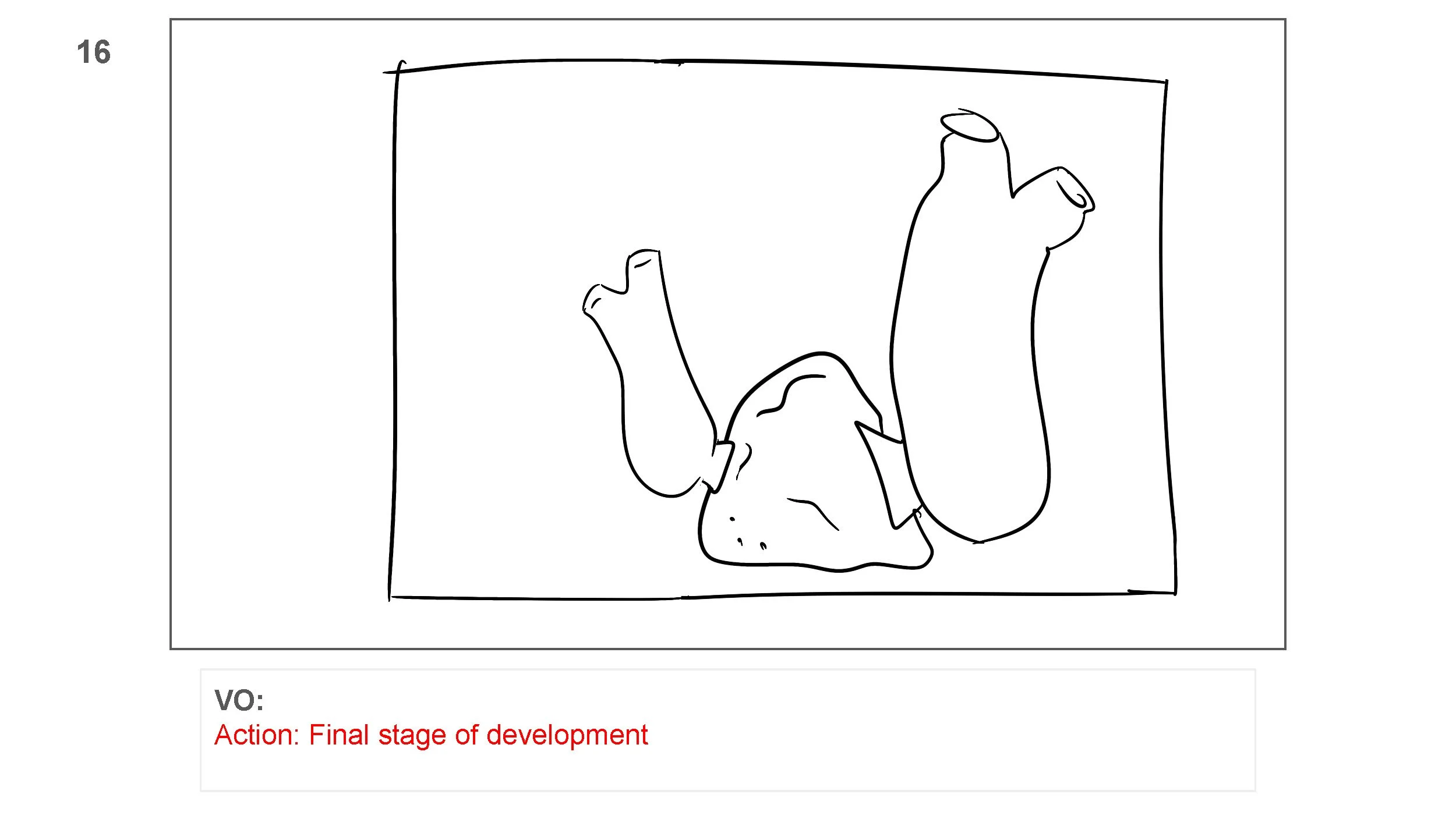
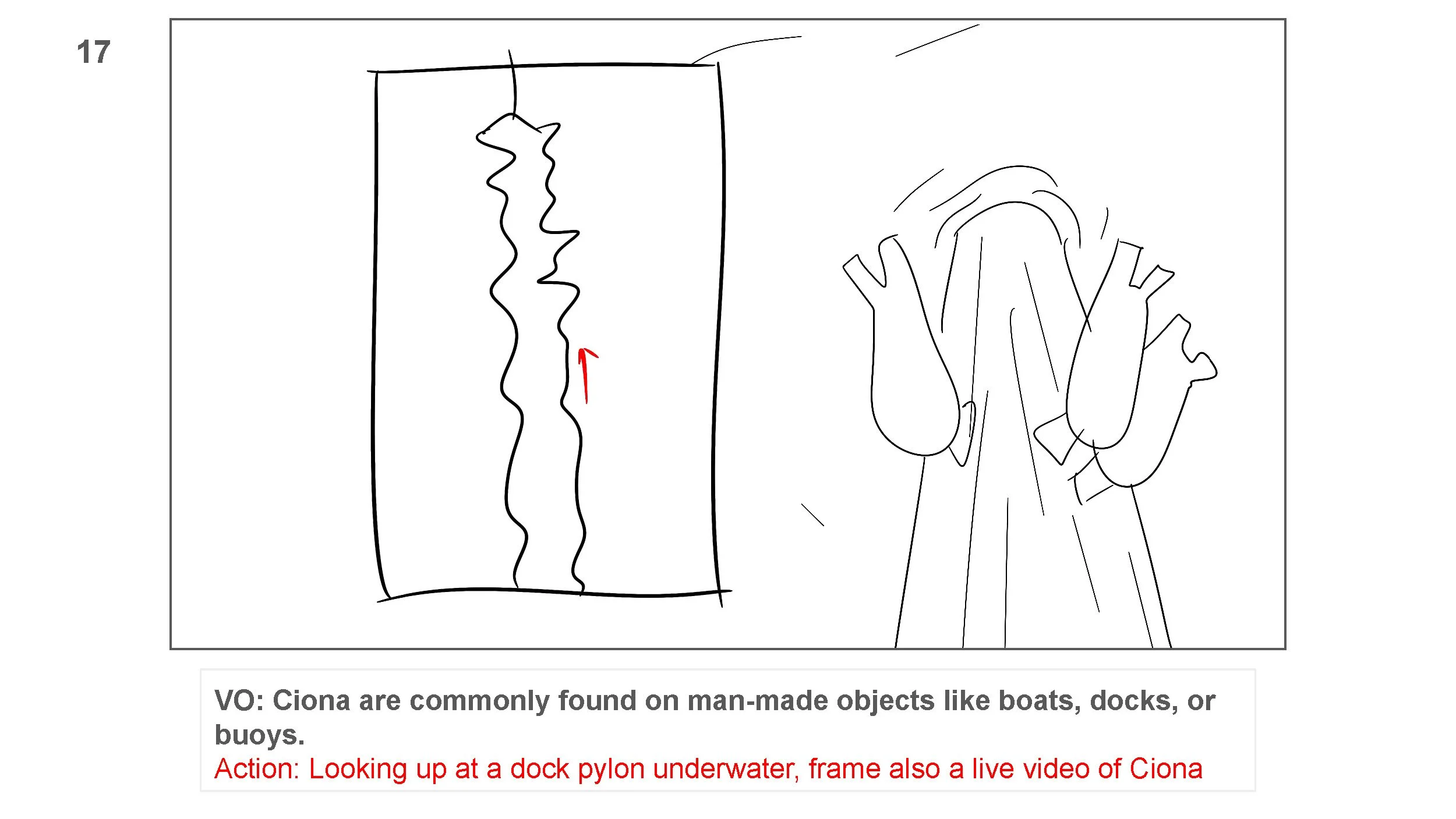
Illustration & Collaboration
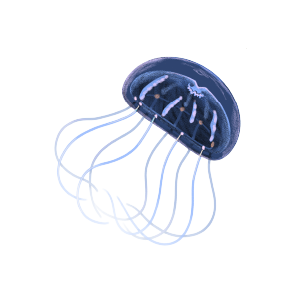
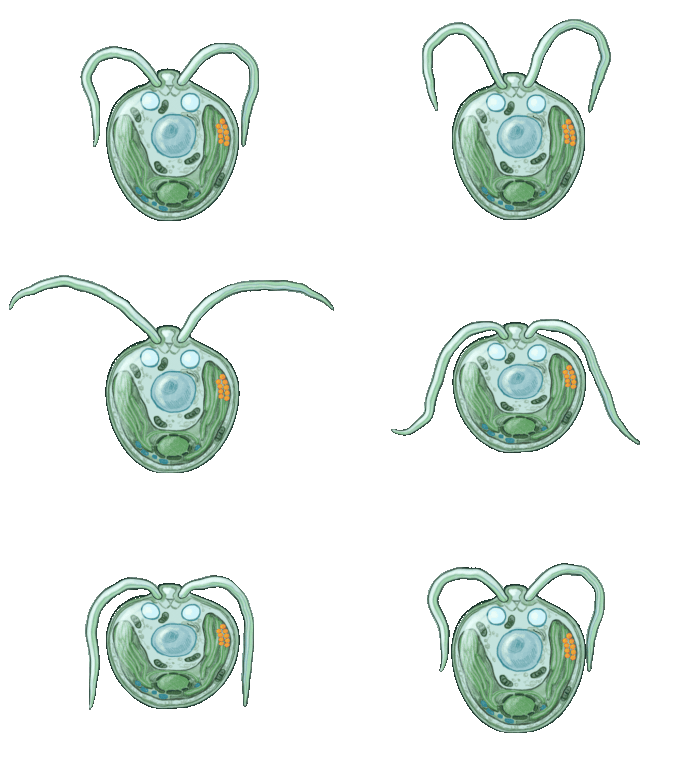
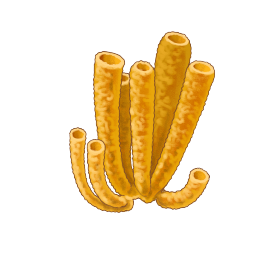
For the sketch style, we utilized many of the existing illustrations in Arcadia’s open source library . Arcadia is a big supporter of open source research and shared resources for scientists.
As an added value, after finishing production I released with them GIF animations generated from the video.
In addition, I brought on UNIQ Designs to assist with additional illustrations and backgrounds.

Animation Phase
With a storyboard acting as our guide, the animation can fall into place.
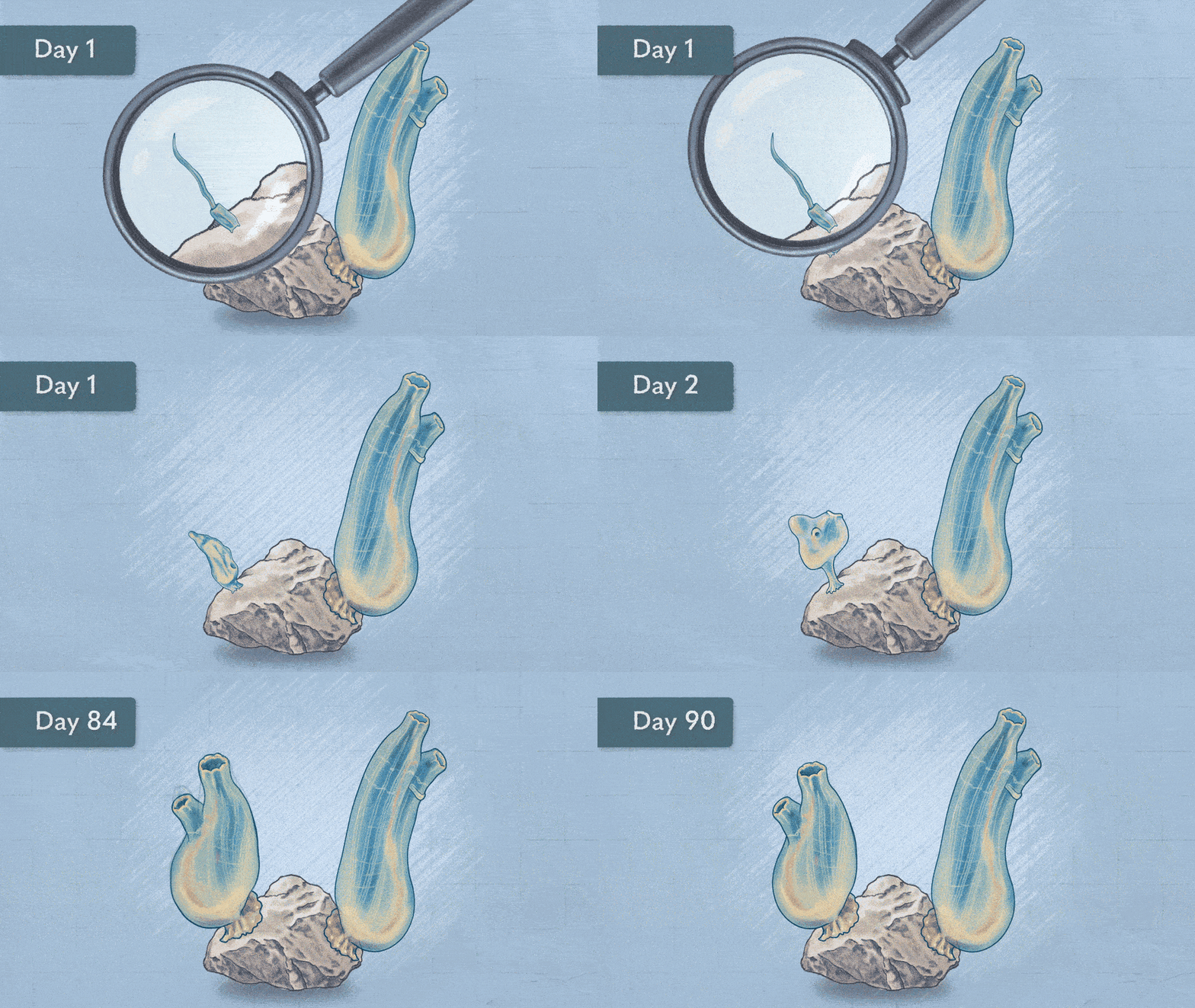
I employed many of my favorite techniques and tricks to create dynamic backgrounds, characters, and motion graphics.
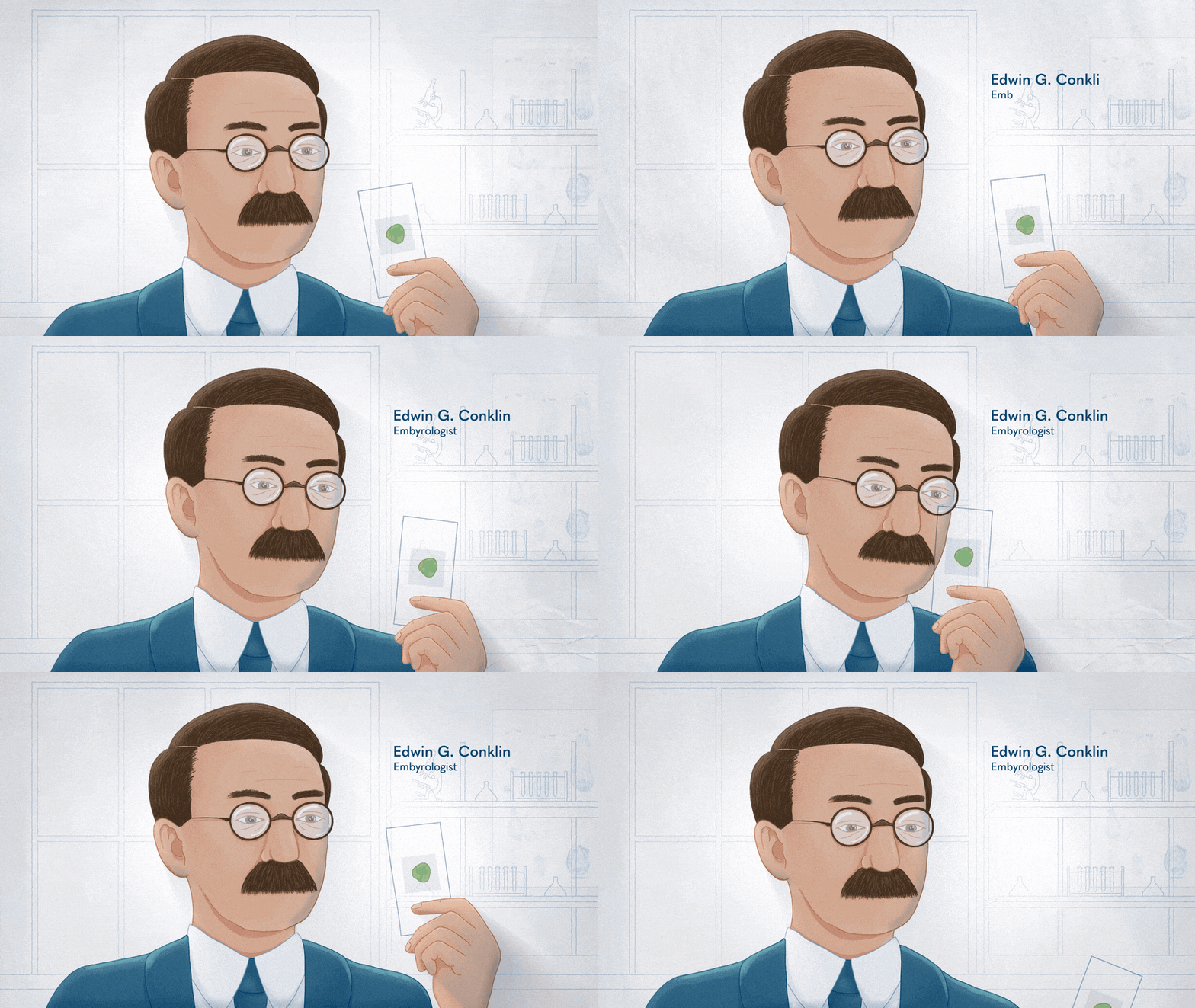
Watch the behind the scenes on creating just one scene.
Post-production: Sound Mixing
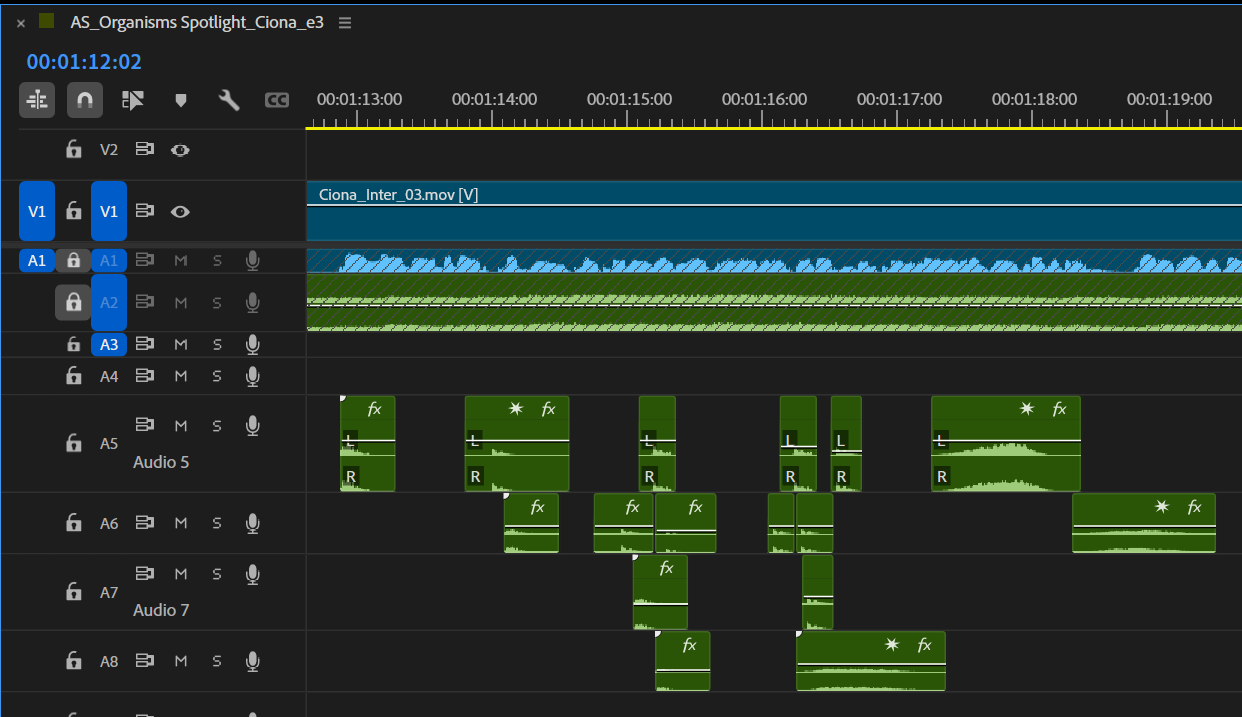
Once we have a sign-off on the final animation, we added the icing to the cake: audio.
With the voice over by Jason Kappus (website), a final world of sound was designed around him. Notebook scribbles give way to a watery plunge into the ocean or a hyper zoom into the world of microscope slides.
Many of the sound effects are sourced from Soundly. I find it to have very easy search function as well as drag and drop from app to Premiere that really speeds up the process.
Publishing / Reuse, reapply, recycle
With the foresight that we were making multiple videos, we knew we would reuse the opening each time, and then highlight a new critter with adjusted animation.
This also included the end scenes to bookend the videos.
The value was that we were able to focus on more of the in between content, while reusing some backgrounds with slight adjustments create visual variety.
If you’re making a science based video, don’t underestimate the power of collaboration with creatives. Early communication can ensure videos that are as accurate as they are entertaining for any audience!