
Explainer Video
Sorting out which stars are planets!
If you can’t tell by the rest of my projects, I really really like space.
One of my favorite nighttime activities is to stand still in the dark, and find the planets in the sky above. I wanted to share that experience. In style!
Let me show you how to planet spot, and then how I made this video. I’ll take you through each stage of production from concept to delivery, and show you the tools I used along the way.
The Process
Straight from the text book
I wanted to make this project working from the style first.
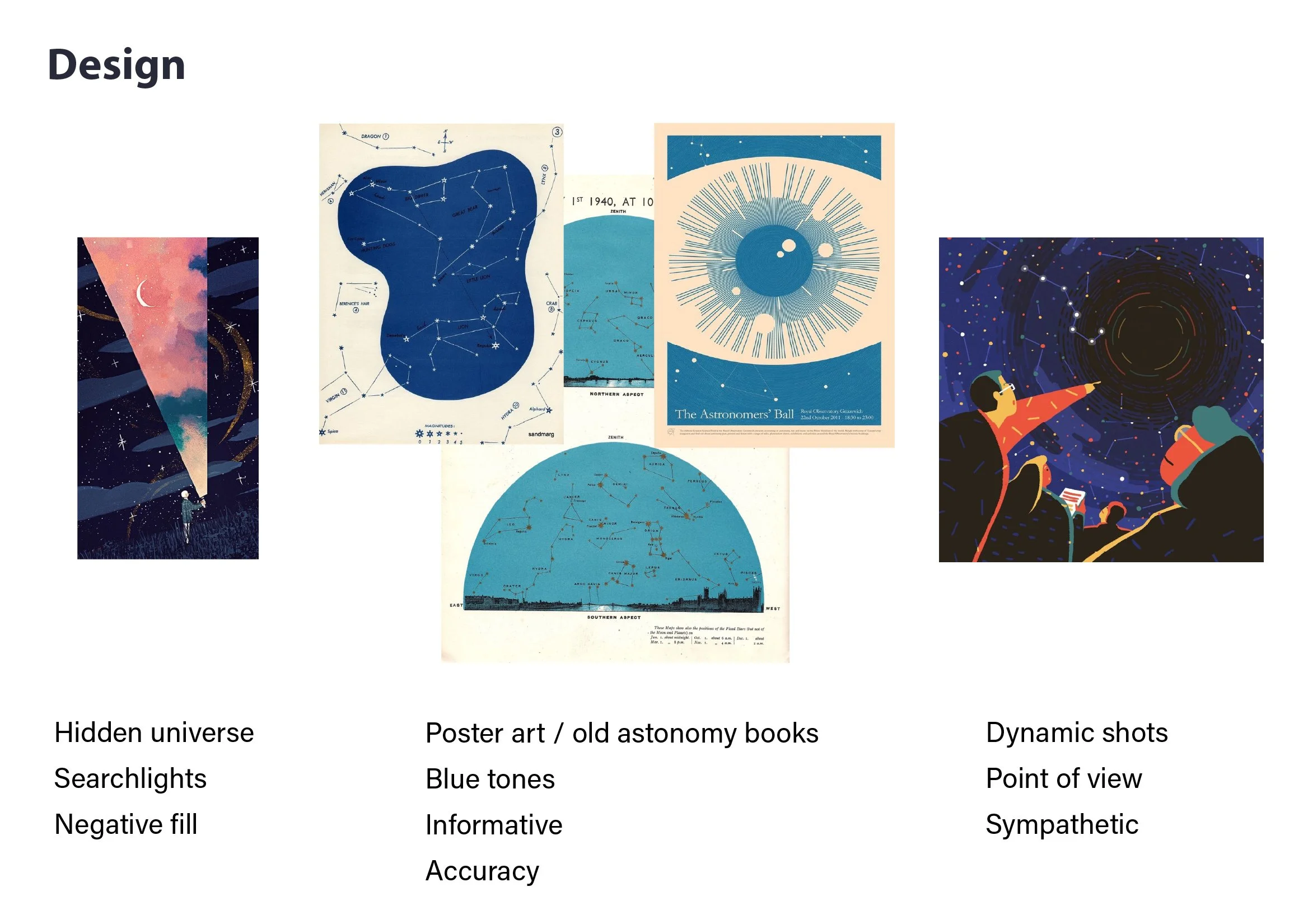
Pinterest was my starting stage for inspiration. Anything that fit my vibe, and visual interest I threw into a reference page in Illustrator.
Naturally I gravitated to star charts and retro text book pages that had an older quality to them. It lent authenticity to an entirely digital product.
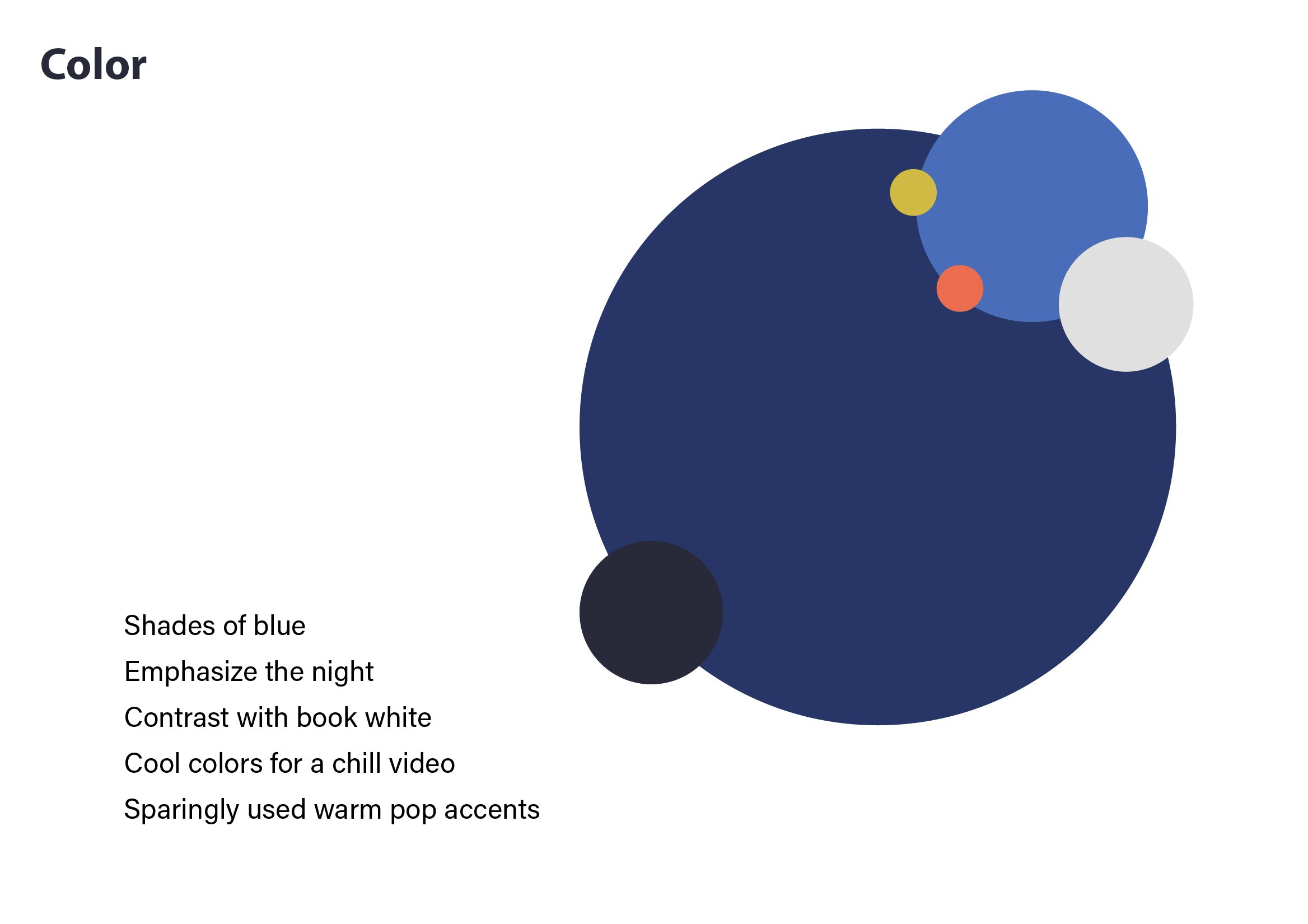
For colors, keeping it cool and dark fits well with star charts and night skies so I chose blues and warm accents for my palette.
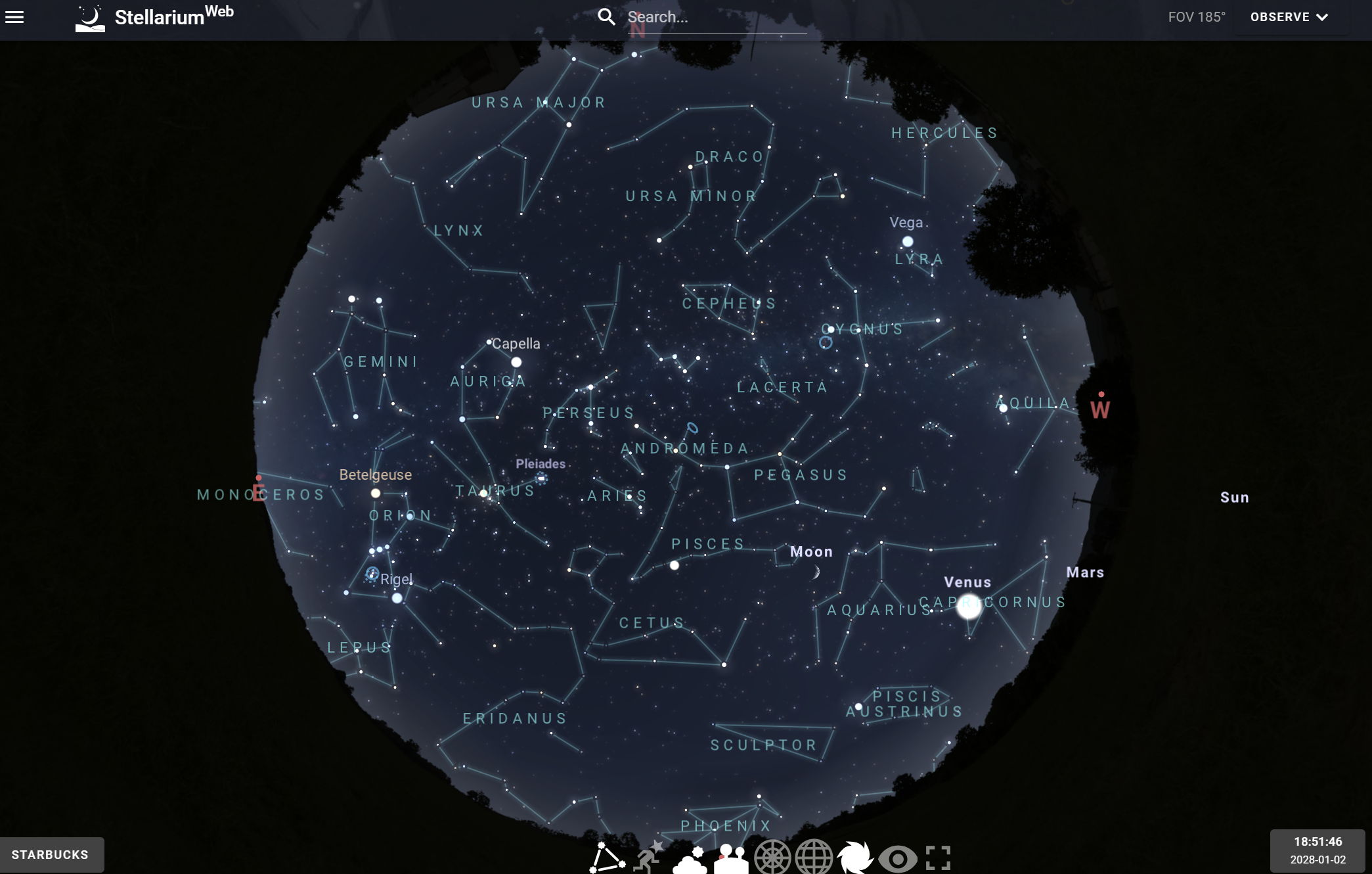
I also wanted to include (mostly) accurate night skies, so I referenced actual nights where the planets will be in the same alignment!
Aligning the stars
A constraint I put on myself was to keep this video short, around 90 seconds for use on social media. I went over and over the script until it was tight on information and story.
Synchronously, I began drawing the storyboard.
Along with the voice talents of collaborator David Urbinati (check his dope site here), I was able to tune in the imagery and edits so that the visuals and script could help convey the information I knew was important.
Styling the stars
Adapting from storyboard frames, I tackled the final look on scenes in After Effects to see how it will look and animate.
Some of these effects can be taxing on the computer, so once I locked in the look, I turn off many of them so that I could start rough animation.
Feeling out the textures
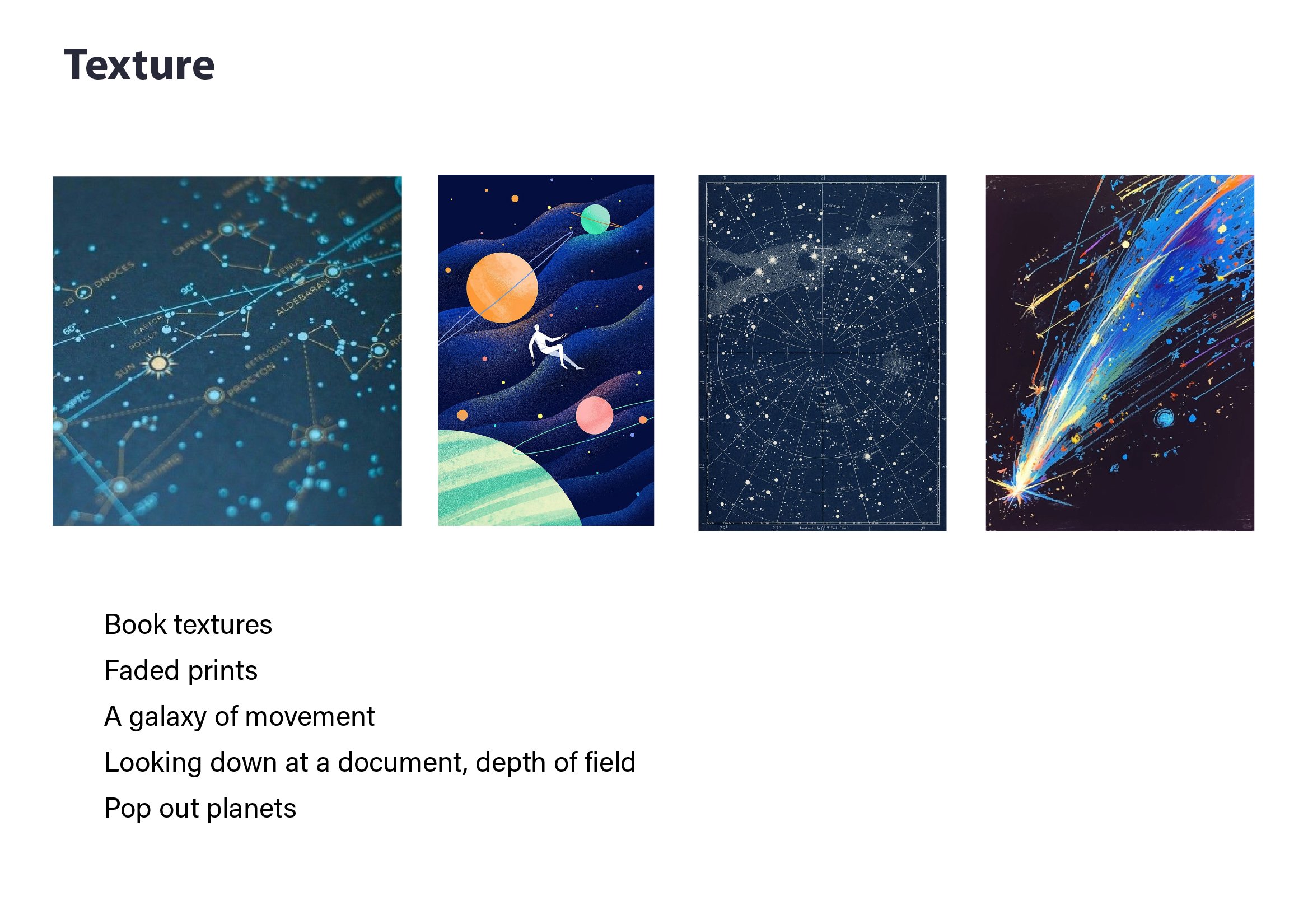
A tactile look elevates any digital video to an approachable piece of art. As if you could just reach in and turn the page.
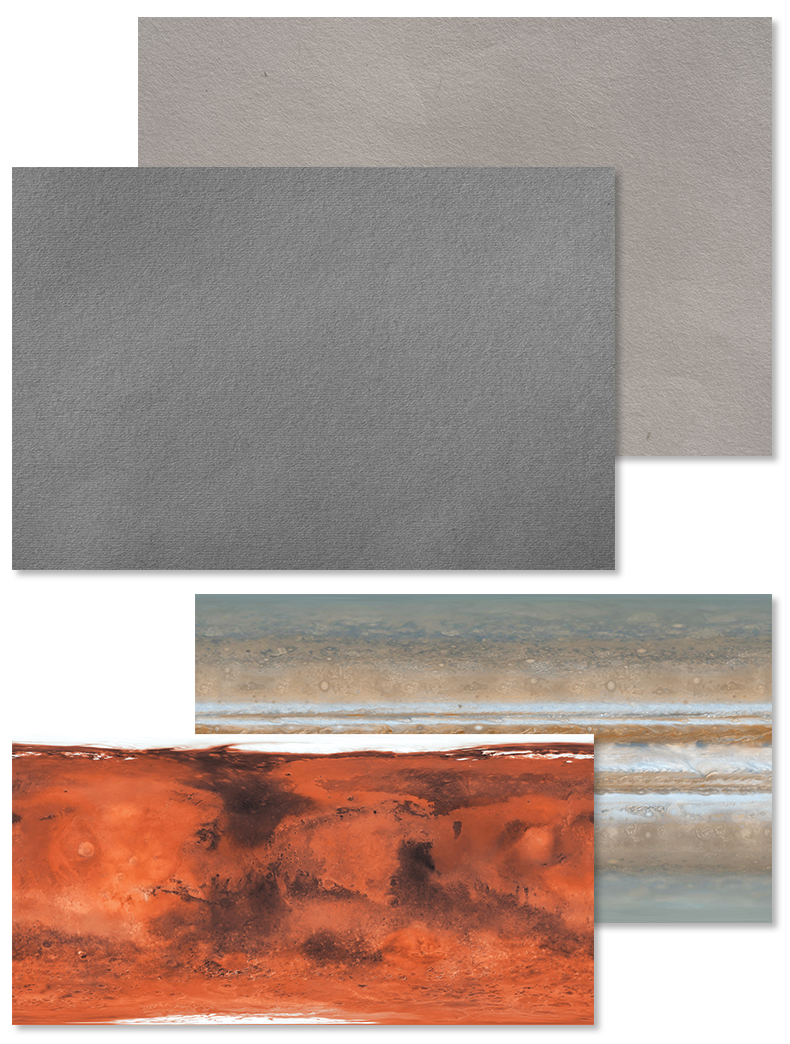
After flipping through some free textures available at texturelab.org I found a few selections that would distinguish between the two “realities” in the story: The blue darkness of space represented by cardboard, and the white pages of text books with paper.
It needed more hints about the textbookyness (that’s totally a real word), so as if its text bled through the opposite page I included paragraphs copied and pasted from wikipedia’s page of each planet.
Literally putting the text in texture.
Also included are planetary texture wraps from solarsystemscope.com/textures/
Making sound in space
I must emphasize that video is only actually half of video. Sound, music, and atmosphere brings all the motion together into a cohesive vision.
Once I’ve approved the final visuals, it’s onto audio.
I experiment with several different tracks before landing on Flake Dance by Ian Post. The instruments in the track have a distant sound, and the synths makes it feel sciencey.
Sound effects are pulled from Soundly, an app with an simple drag and drop interface that works with Premiere.
A closed text book
After the final sound design pass, the short is ready to go!
I post to the internet where the video reaches thousands of viewers, who I hope take to the evening and look up into the night sky.